Affinity Essentials Lesson 4: Vector & Pixel combined workflow
1 Min read
Published
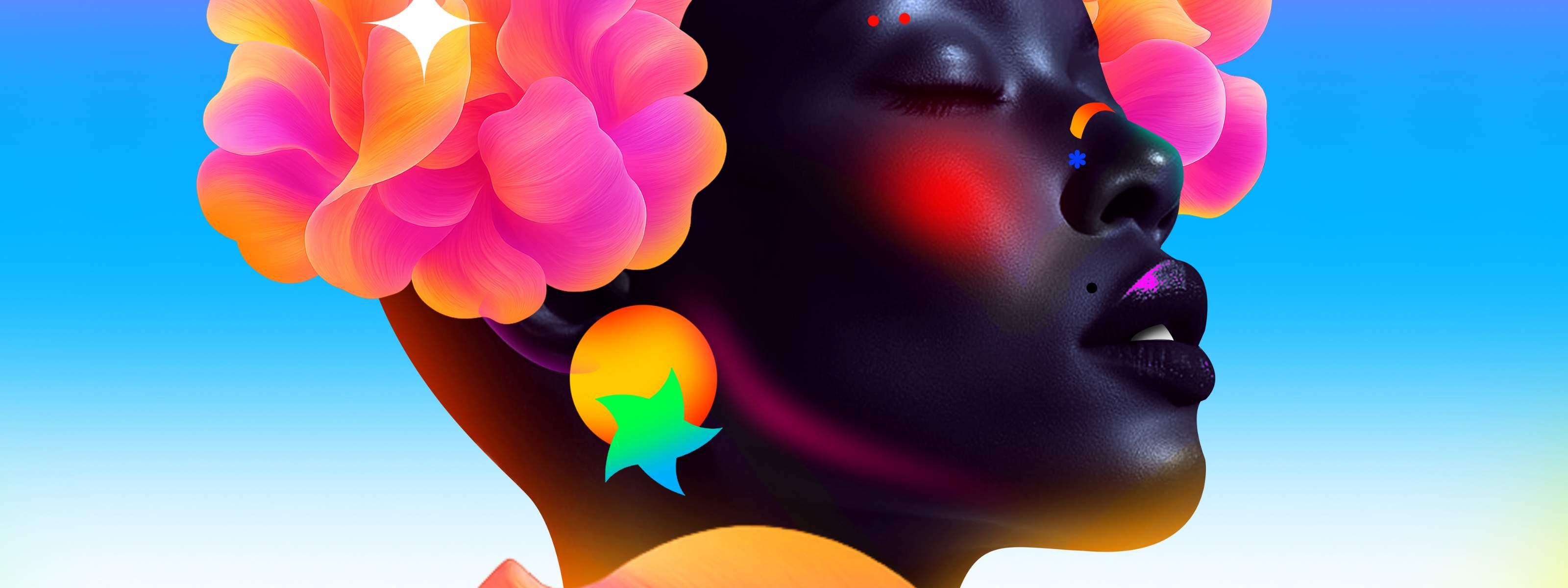
Combining vector & pixel workflows in Affinity
Great creative work happens when you stay in flow. In this lesson, you’ll learn how to move seamlessly between vector and pixel tools in Affinity without breaking momentum.
Using artwork by Nigerian artist Inioluwa Alabi as inspiration, we’ll explore how vector elements and pixel-based textures, brushes, and adjustments can work together in a single file. You’ll see how to switch between studios, apply non-destructive edits, and layer techniques to build bold, expressive designs — all in one streamlined workflow.
Lesson objectives
By the end of the lesson, you’ll be able to:
- combine vector and pixel elements within the same project
- switch efficiently between studios without disrupting your workflow
- apply non-destructive adjustments to enhance vector artwork
- add texture and depth using pixel tools and brushes
- experiment confidently with mixed-discipline designs
Lesson resources
Before you begin, make sure you have downloaded Affinity and are logged in. You’ll also want to download the Lesson 4 source file to follow along.


