What’s New in Affinity: Blend Tool, Scripting, and over 60 updates
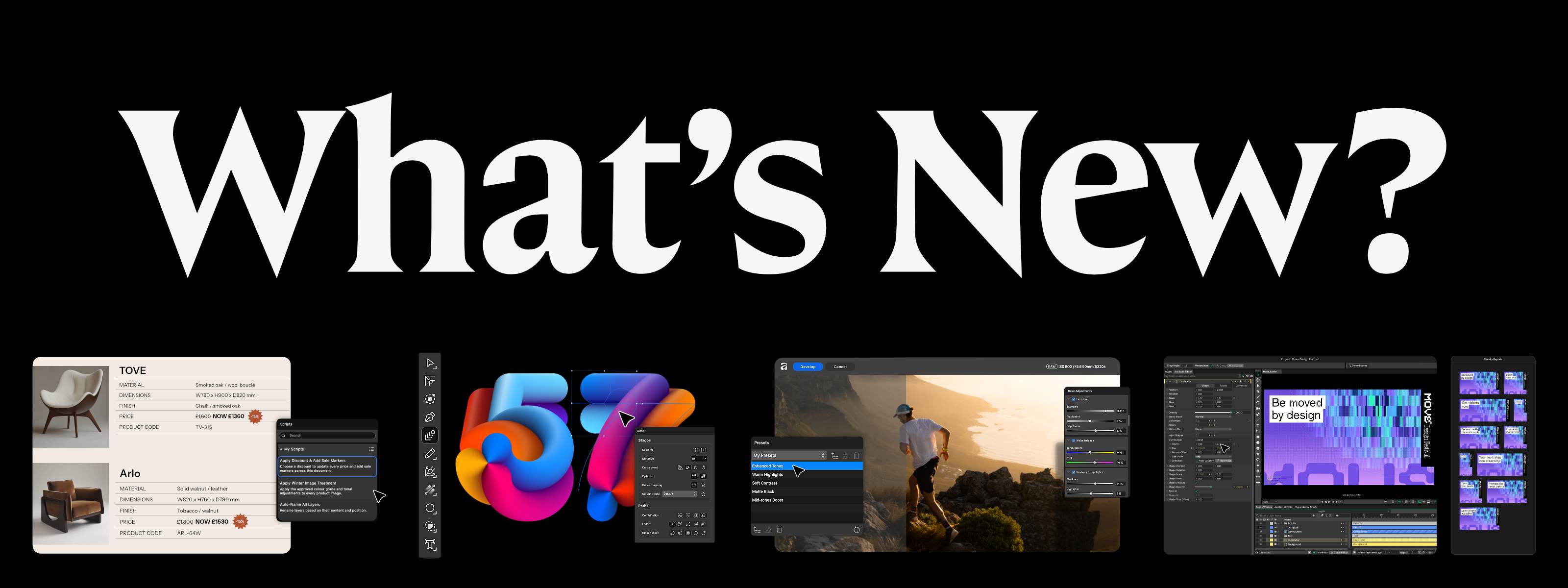
You've been telling us what you want: more precision and control over your work, less time lost to repetitive production tasks, a deeper photography workflow, fewer barriers between Affinity and the rest of your creative workflow...
Well, we've been busy.
This release brings over 60 new features and improvements to Affinity, including some seriously long-awaited additions.
Shaped by the people who use Affinity
Forum threads. Discord conversations. Instagram comments. Beta feedback. We’ve been reading it all. A huge amount of what’s landed in this release started with something you asked us for.
Blend Tool and Scripting are two of the biggest examples. You’ve been asking for both for a long time. But you’ve also been testing features and telling us where they could go further. Our beta community has watched their own suggestions make it into the product, alongside feedback from our Designer Advisory Board and the wider creative community.
And the asks have come from everywhere. Photographers. Illustrators. Designers. Layout pros. This release puts more of what you’ve been asking for into your hands.
Built around what you’ve been asking for
More power for your craft
For anyone who loves obsessing over the details, this release gives you more to obsess over. Spot what’s off in a curve. Build blends that move with the rest of your design. Refine masks and angles without losing the ability to change your mind.
Led by the long-requested Blend Tool, this update lets you shape, inspect, and refine the parts of your work that other tools make needlessly difficult.
Explore Blend Tool and more features built for finer creative control.
More time for your craft
Save yourself time with Affinity’s new automation features. One of the top community requests, in-app scripting gives you the power to write a script directly in Affinity and run it across vector, pixel, and layout work in one go.
No scripting experience? The AI Connector for Claude can help create the script for you. Automate the production work once, share it with the team, and put the hours that would’ve gone into production back into the craft.
A stronger photography workflow
Photographers: you’ve been asking, we’ve been listening. And now our biggest ever photo editing update is here.
This release brings some of your most-requested features, from deeper RAW development to smarter image refinement and processing. Get more control while your RAW data is still live, build presets you can apply across an entire shoot, and let Affinity take care of time-consuming corrections like mixed lighting and camera shake.
There’s more to get your hands on too, including nine new color, sharpening, and detail adjustments, plus Scene Decomposition for turning flattened assets you might have abandoned or rebuilt into something you can rework and reimagine.
Made to move with your work
Creative work is constantly moving — shot, designed, animated, finished, then handed on. Affinity is built for that.
Bring in your existing work with native INDD import, keep your brand up to date with live Canva Brand Kit sync, and move Affinity designs straight into Cavalry when it’s time to animate.
It’s a complete creative stack, more integrated, modern, and open than anything that came before it.
AI that respects your craft
Affinity uses AI where it earns its place: speeding up tedious tasks and tackling time-consuming fixes, while keeping the creative decisions in your hands.
This release brings more of those capabilities into your workflow, including Scene Decomposition, Mixed Light Correction, Motion Blur Reduction, Image to 3D, Generative Upscale and SDR to HDR.
Your work in Affinity isn’t used to train AI features, and Affinity can’t access your files - they’re stored locally on your device.
Most of this release is free to use, including all your core photo, vector and layout tools. The Canva AI Studio is unlocked with a Canva premium plan, and you can see its full list of features here.
See everything in this release
Blend Tool, Scripting and our biggest ever photo editing update might be the headlines, but they’re only part of what’s landed.
You’ll also find true HDR reconstructed from a single SDR image, booleans that stay live and editable by default, and custom Preflight rules that catch your house-style errors automatically.
And there’s still more. For the complete list of over 60 new features and improvements, head to the full release notes.
Available now
The latest Affinity update is ready for whatever you’re working on next.
If you’re new to Affinity, you can download it for free and start exploring everything Affinity has to offer, including all the new features in this release.


